- Workflow Consolidation: Canva’s AI 2.0 moves beyond simple design tools, integrating text, image, and video generation into a single workspace to replace multiple standalone applications.
- Brand Governance: Features like Brand Intelligence and Brand Voice allow teams to apply consistent branding, fonts, and tone across all AI-generated content automatically.
- Practical Application: The most valuable features for Malaysian marketing teams include Magic Studio for in-app visual creation, AI video tools for social content, and the Presentation Generator for rapid deck creation.
- Strategic Limits: While excellent for speed and workflow, Canva’s AI is not a replacement for high-end, specialist tools for complex video editing or photorealistic image generation.
The latest Canva AI features 2026 Malaysia-based teams can access represent a fundamental shift in the platform’s purpose. It has evolved from a user-friendly design tool into a consolidated content production engine, yet many organisations are still using it for 2022-era tasks like social media templates and basic presentations.
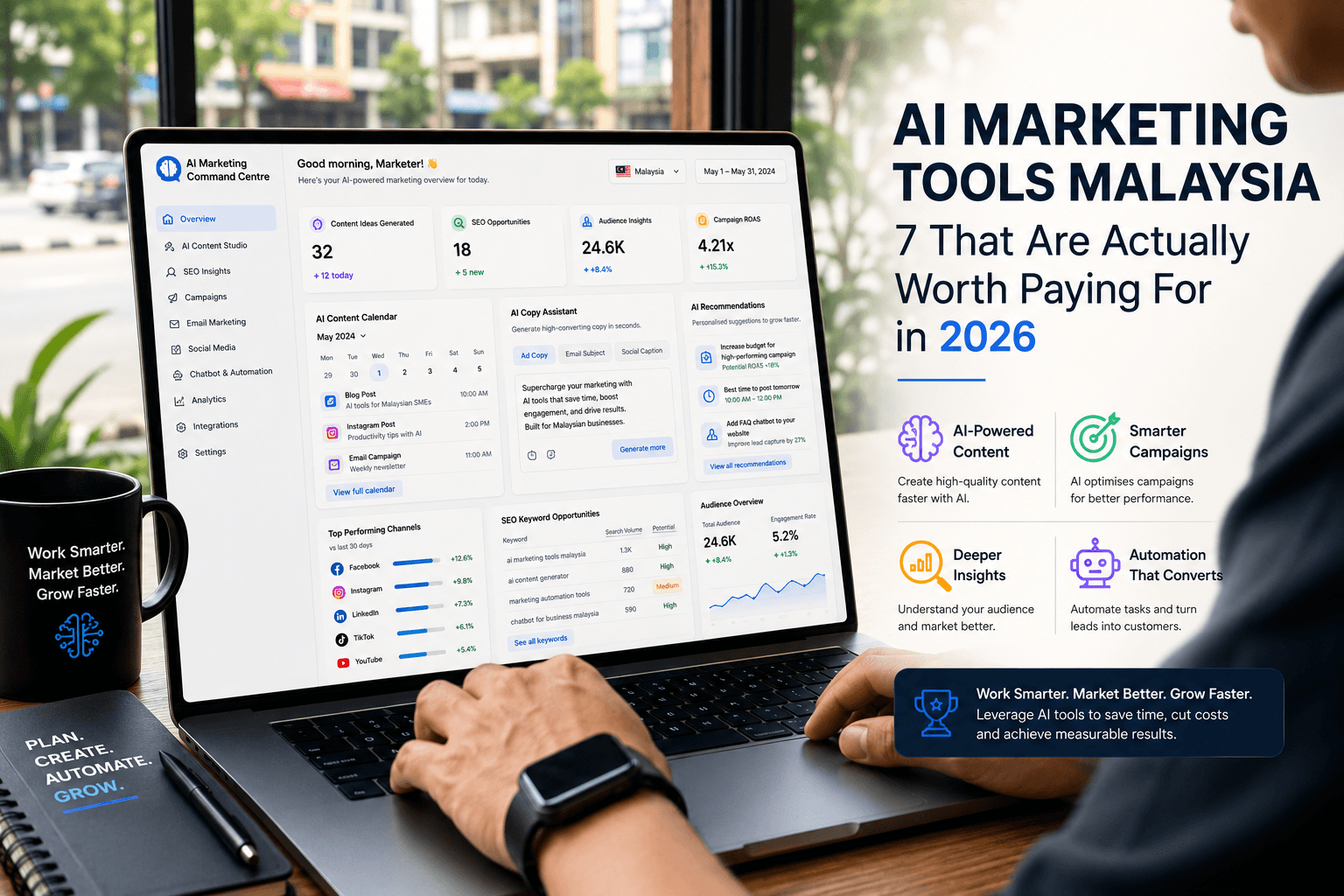
This limited adoption means missing out on significant efficiency gains. The new suite of tools, collectively known as Canva AI 2.0, is designed to reduce reliance on external AI generators, streamline multi-format campaign creation, and enforce brand consistency at scale. For enterprise leaders, understanding these capabilities is critical for optimising marketing operations.
Consolidate Your Creative Workflow
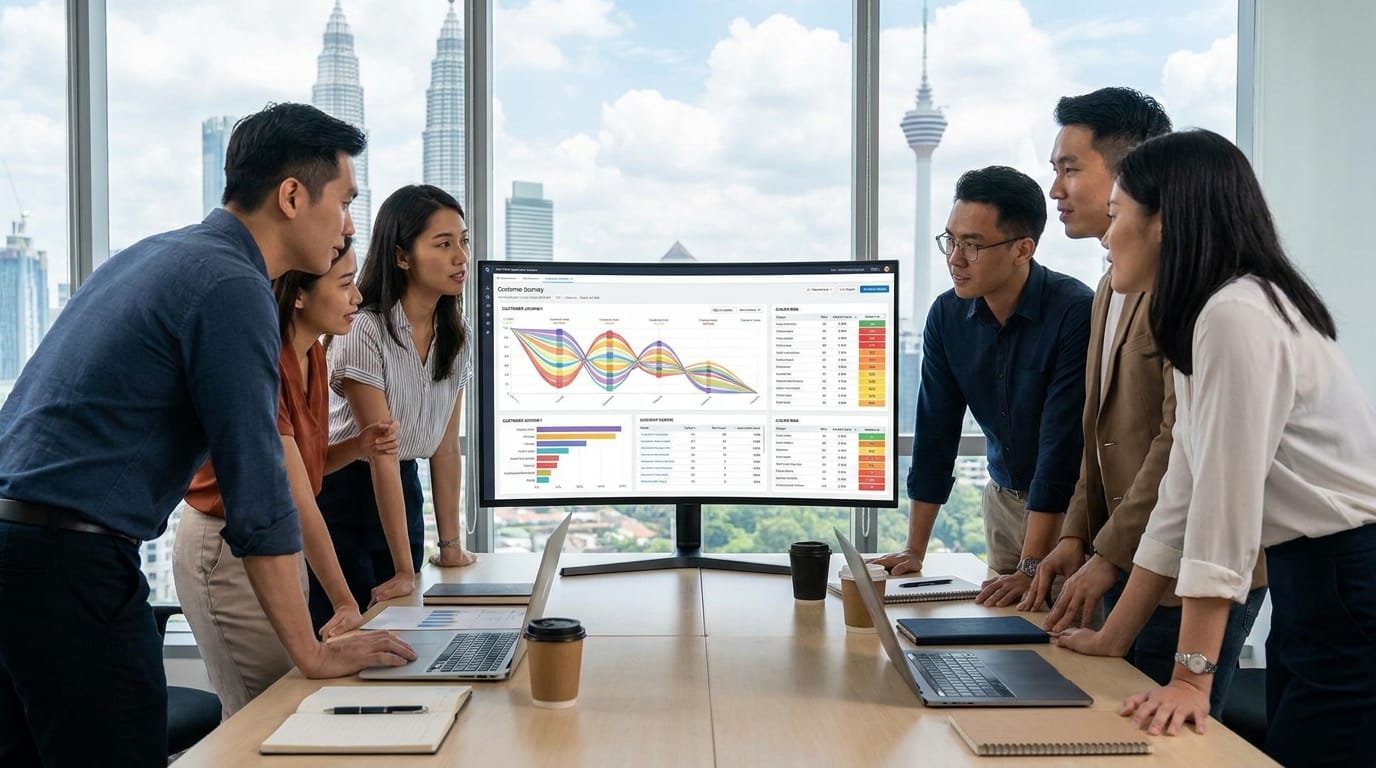
The primary value of Canva’s AI is workflow integration. Instead of briefing a copywriter in one tool, generating an image in another, and assembling the final creative in a third, teams can perform these actions within a single interface. This is the core change marketers must recognise.
Canva’s proprietary models are optimised for this integrated experience. The company claims its systems can be up to 7x faster and 30x cheaper than comparable alternatives because they are built for practical, editable outputs, not just standalone generation.
Generate Visuals Inside Your Workspace
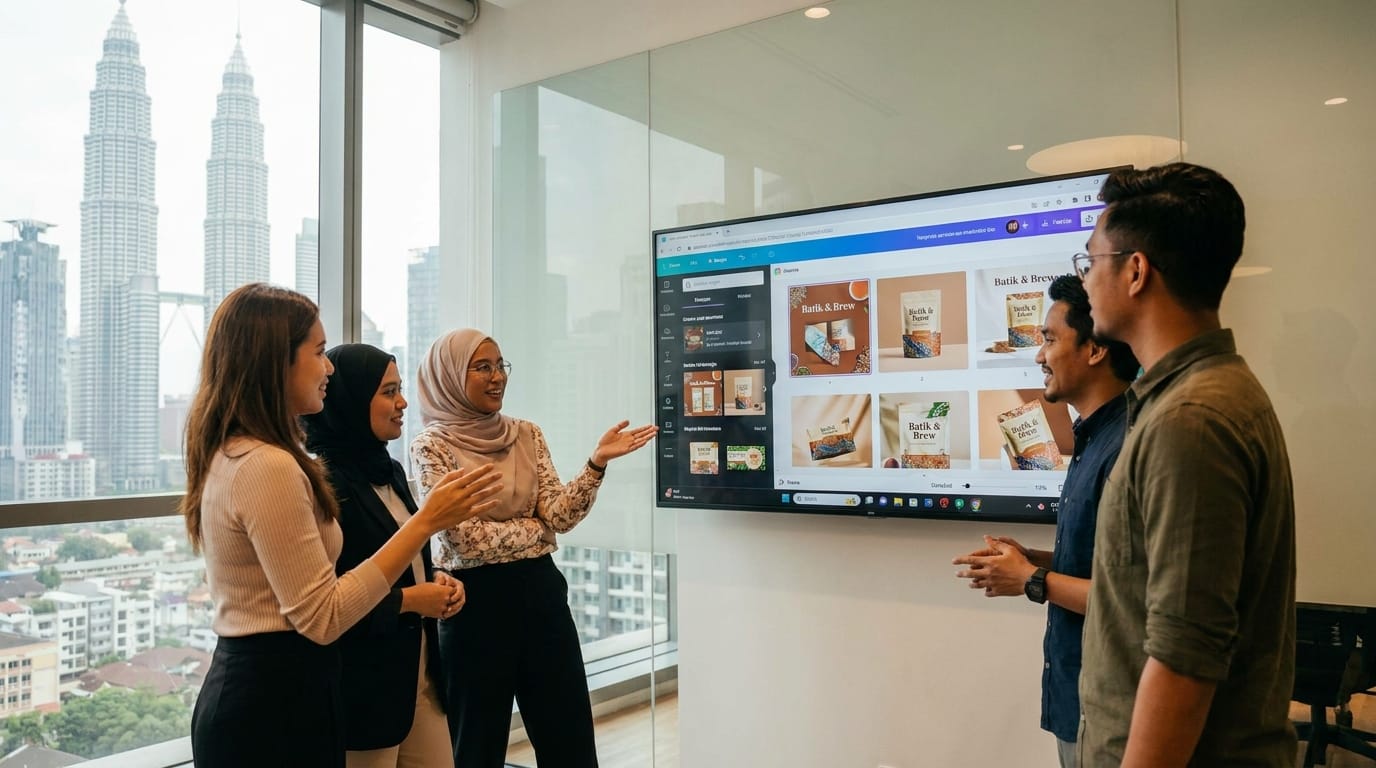
One of the most significant upgrades is the expansion of Magic Studio. This suite of tools brings generative AI capabilities directly into the Canva editor, eliminating the need for external image generators for many common marketing tasks.
Magic Studio: Text-to-Image and Video
With Magic Studio’s “Create an image” function, users can generate custom visuals from a text prompt without leaving their design file. The latest updates also introduce text-to-video and image-to-video, allowing teams to create short, animated social media assets from static product shots or simple descriptions. This is particularly useful for populating content calendars quickly.
Maintain Brand Consistency with AI
For large organisations, maintaining a consistent brand identity across multiple markets and teams is a persistent challenge. Canva’s AI introduces two features designed specifically to address this.
Brand Intelligence and Brand Voice
Brand Intelligence allows an organisation to connect its data and automatically apply brand fonts, colours, and logos to new and existing designs. Brand Voice, a feature within Magic Write, lets administrators define a specific tone. The AI then drafts copy that aligns with this predefined voice, ensuring consistency whether the user is in marketing, sales, or HR.
Streamline Product Creative Production
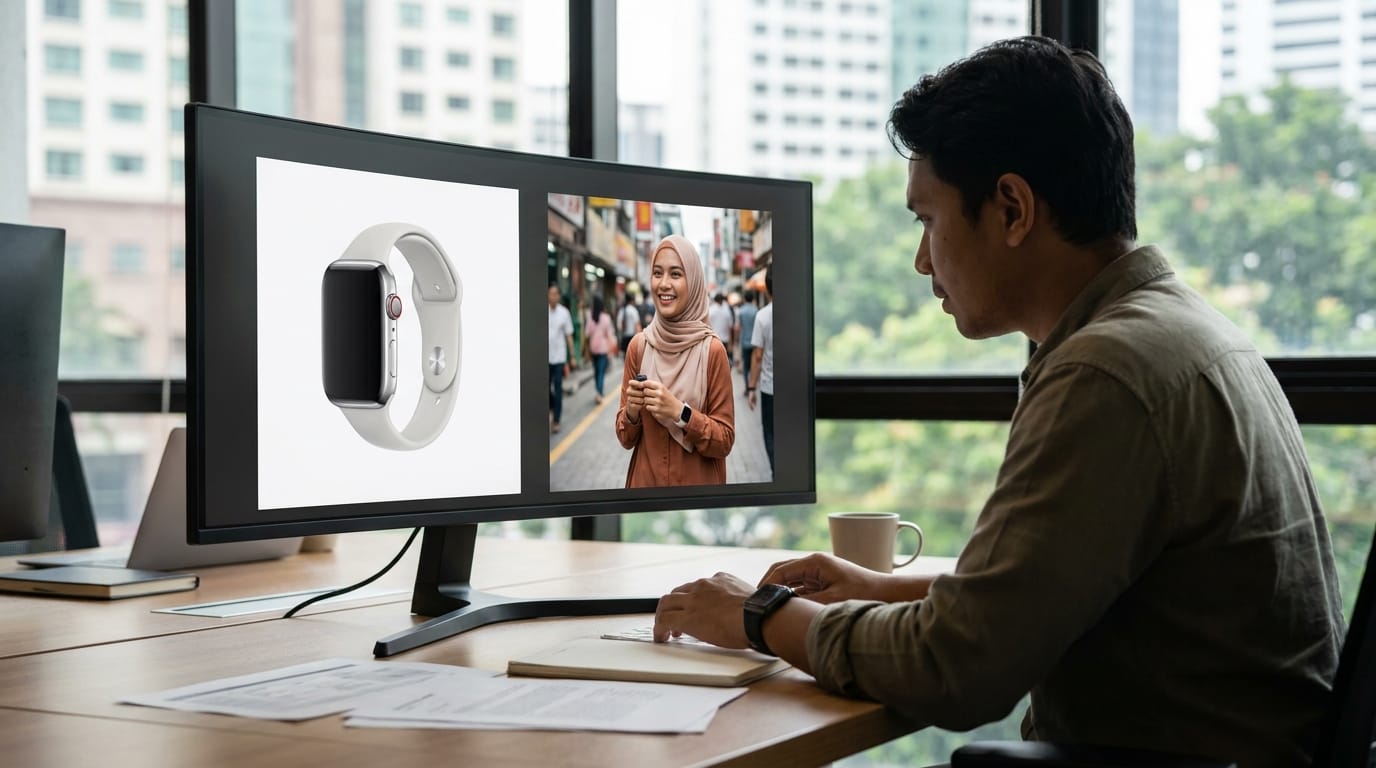
E-commerce and retail marketing teams can use Canva’s AI to significantly reduce the labour involved in creating product visuals. AI-powered background removal and object erasing tools allow for clean, studio-quality images without a professional photoshoot.
These tools are not just for static images. A team can upload a product photo, remove the background, add a generated scene, and then use image-to-video to create a simple promotional clip for social media, all within minutes.
Automate Deck and Document Creation
Manually building presentation decks is a time-consuming task. Canva’s AI Presentation Generator can create a complete, editable slide deck from a single prompt. Users can input a topic, and the AI will draft an outline, write content for each slide, and suggest relevant visuals and layouts.
This feature is a powerful accelerator for internal reports, sales pitches, and campaign summaries. The generated output serves as a strong first draft that a team can then refine and customise with specific data and brand elements.
Build Simple Interactive Web Content
A surprising addition to the toolkit is Canva Code. This feature allows users to generate lightweight, interactive web components by describing what they need. Examples include simple pricing calculators for a landing page, mini-games for a social media campaign, or interactive polls.
While it does not replace the need for developers for complex applications, it empowers marketing teams to create engaging digital experiences for campaigns without requiring a dedicated coding budget or timeline.
A Practical Look at Canva AI Features in Malaysia
To make strategic decisions, leaders need to understand which tools replace existing costs or manual processes. The following table breaks down the key features and their practical applications for teams in Malaysia.
| AI Feature | Replaces This Manual Task or Tool | Best For | Typical Plan |
|---|---|---|---|
| Magic Studio | Midjourney, DALL-E, stock photo subscriptions | Social media managers, content creators | Pro/Teams |
| Brand Voice | Manual copy editing, brand guideline checks | Enterprise marketing teams, agencies | Teams |
| AI Video Tools | Simple video editing software, freelance animators | E-commerce brands, digital marketers | Pro/Teams |
| Presentation Generator | Manual slide creation in PowerPoint/Keynote | Sales teams, consultants, managers | Pro/Teams |
| Canva Code | Hiring a developer for simple web widgets | Campaign managers, growth marketers | Pro/Teams |
The free tier of Canva offers a limited number of credits for Magic Studio features. For consistent business use, a Canva Pro or Canva for Teams subscription (starting from around RM25 per month per person) is necessary.
Evaluate the Real Limits of Canva’s AI
It is crucial to have an honest perspective on Canva’s limitations. The platform’s strength is speed and integration, not producing frontier-level AI outputs.
Image Realism: For hyper-realistic or highly artistic visuals, dedicated image generators like Midjourney still provide superior quality and control.
Video Complexity: Canva’s AI video tools are best for short-form social content. They cannot replace professional video editing software like Adobe Premiere Pro for long-form content or complex motion graphics.
Long-form Reasoning: While Magic Write is excellent for short-form copy, it lacks the deep reasoning and contextual understanding of advanced large language models for writing whitepapers or detailed reports.
When using any AI tool, Malaysian organisations must consider data governance. Uploading sensitive customer data or proprietary brand information requires alignment with internal security policies and Malaysia’s Personal Data Protection Act (PDPA).
Conclusion
The evolution of Canva AI features 2026 Malaysia-based enterprises can now use marks its transition from a design application to a comprehensive content workflow platform. The new capabilities in AI 2.0 offer tangible opportunities to consolidate tool stacks, accelerate content production, and enforce brand standards with greater efficiency. The key is to see Canva not as a simple design tool, but as a central hub for day-to-day marketing creation.
The most effective teams will use Canva to handle 80% of their routine creative work, reserving specialised tools for the 20% that requires high-end, expert-level output.
For a deeper analysis of how these tools can be integrated into your specific marketing technology stack, contact our team. The experts at OpenMinds Group can help build a strategy that fits your organisation’s goals.
Sources
- Canva Newsroom. (2026). Introducing Canva AI 2.0: Reimagining how the world creates.
- Canva Newsroom. (2026). What’s New: From smarter AI to smoother workflows.
- Canva. (2026). Canva AI 2.0 – AI design, writing, and creative tools.
- Canva. (2026). Your all-in-one AI assistant – Canva AI.
- Forbes. (2026). Canva AI 2.0 Launches With New Features And Conversational AI.
Want to put this into practice?
Our team builds and optimises MarTech stacks for enterprise brands across Malaysia and APAC.